 By
By 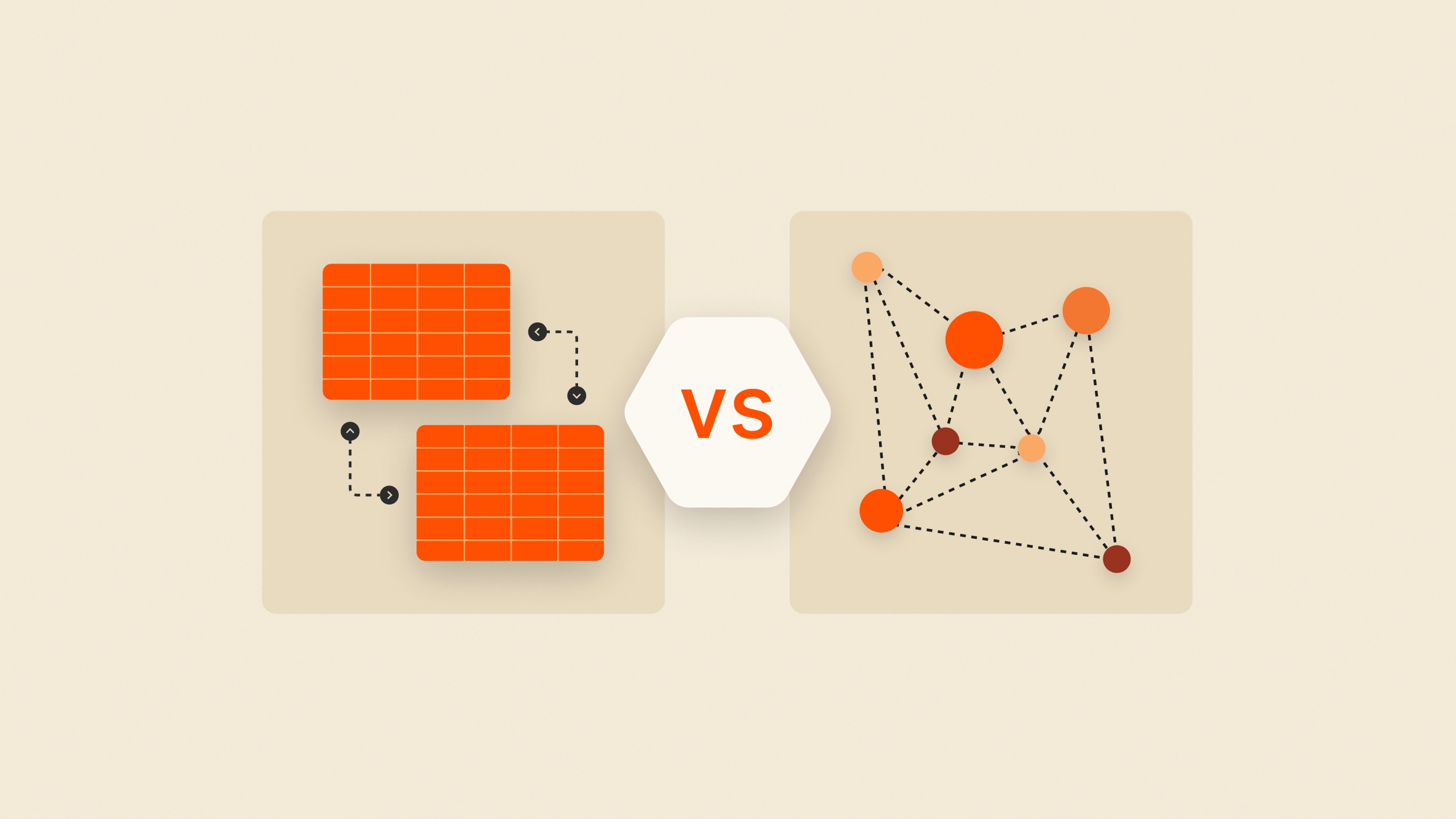
Whether you are a student building your first project or a founder launching a startup in Nairobi, the very first technical hurdle you’ll hit isn’t which framework to use. It’s the question: "Where do I save the data?"
Before you can choose a provider like PostgreSQL or MongoDB, you have to pick a philosophy. You have to pick a side: SQL or NoSQL.
Many developers ask, "Which one is better?" The honest answer is: neither. It is not a matter of quality; it’s a matter of design structure and developer experience. To make the right choice, you have to understand the life cycle of a database—from the "Honeymoon Phase" to the inevitable "Redesign Trap."
1. The Two Philosophies: Architect vs. Nomad
SQL (The Relational Architect)
SQL databases (like PostgreSQL and MySQL) are like a well-organized library. Everything has its specific shelf, and every book must follow a strict format.
The Structure: Data is stored in rigid tables with fixed rows and columns.
The Schema: You must define your blueprint (schema) before you save a single byte of data.
Best For: When data relationships are the heart of your app (e.g., an accounting SaaS where a user must link to an invoice).
NoSQL (The Flexible Nomad)
NoSQL databases (like MongoDB or Firestore) are more like a high-speed filing cabinet. You can throw in folders, photos, or napkins with notes, and the cabinet doesn't care.
The Structure: Data is stored as JSON-like documents or key-value pairs.
The Schema: "Dynamic." You can add new fields on the fly without breaking the rest of the database.
Best For: Rapid prototyping, real-time data, or when you aren’t 100% sure what your data will look like in six months.
2. Storage & Retrieval: A Quick Look
To visualize this, imagine saving a user profile.
In SQL (PostgreSQL):
You write a query that looks like a command. It is strict and predictable.
In NoSQL (MongoDB):
You save the data as a JavaScript object. It feels natural to a web developer.
3. The "Redesign Trap": Choose Your Struggle
Here is where most developers get stuck. A database doesn't become "good" because of the philosophy you choose; it becomes good because of good practices. If you choose incorrectly, you will fall into one of two traps:
The NoSQL Schema Trap: If you choose NoSQL for a project where data integrity is key, you’ll eventually find yourself "redesigning" SQL inside your code. Since the database doesn't enforce rules, you have to write complex validation logic in your TypeScript to make sure the data isn't messy. You end up building a relational database by hand.
The SQL Migration Trap: If you choose SQL but your project is changing every week, you will live in "Migration Hell." There is nothing as painful as changing a SQL structure every month, running migrations, and praying you don't break production data.
The Lesson: You either do the work upfront (SQL) or you do the work later (NoSQL). Pick the struggle you are willing to manage.
4. Developer Experience (DX): Honeymoon vs. Reality
Starting with NoSQL: It feels like magic. You move fast, you don't think about "types," and you ship features. However, as you scale, the "schema-less" freedom can turn into a nightmare of "undefined" errors and messy data.
Starting with SQL: It feels like a chore. You have to plan everything. But six months later, you’ll thank your past self. Because the rules were enforced from Day 1, your code stays clean and your app stays stable.
5. Cost and Infrastructure
Where you host matters.
Native Cloud (NoSQL): Most cloud providers have their own NoSQL databases (like GCP Firestore). These are usually cheaper and scale-to-zero, making them perfect for students on a budget.
Containerized SQL (PostgreSQL/MySQL): Running SQL in the cloud often requires a "Managed Instance" or a Docker container. While many have free tiers, they add complexity and can become expensive as your storage grows.
What’s Next?
Choosing the side is just the beginning. In the next part of this TechInKenya series, we will dive deeper into Cloud Infrastructure vs. VPS. We’ll answer the burning question: Is it cheaper to run your database on a $5 Ubuntu VPS or a "pay-as-you-go" Cloud service?
Stay tuned.
Comments